









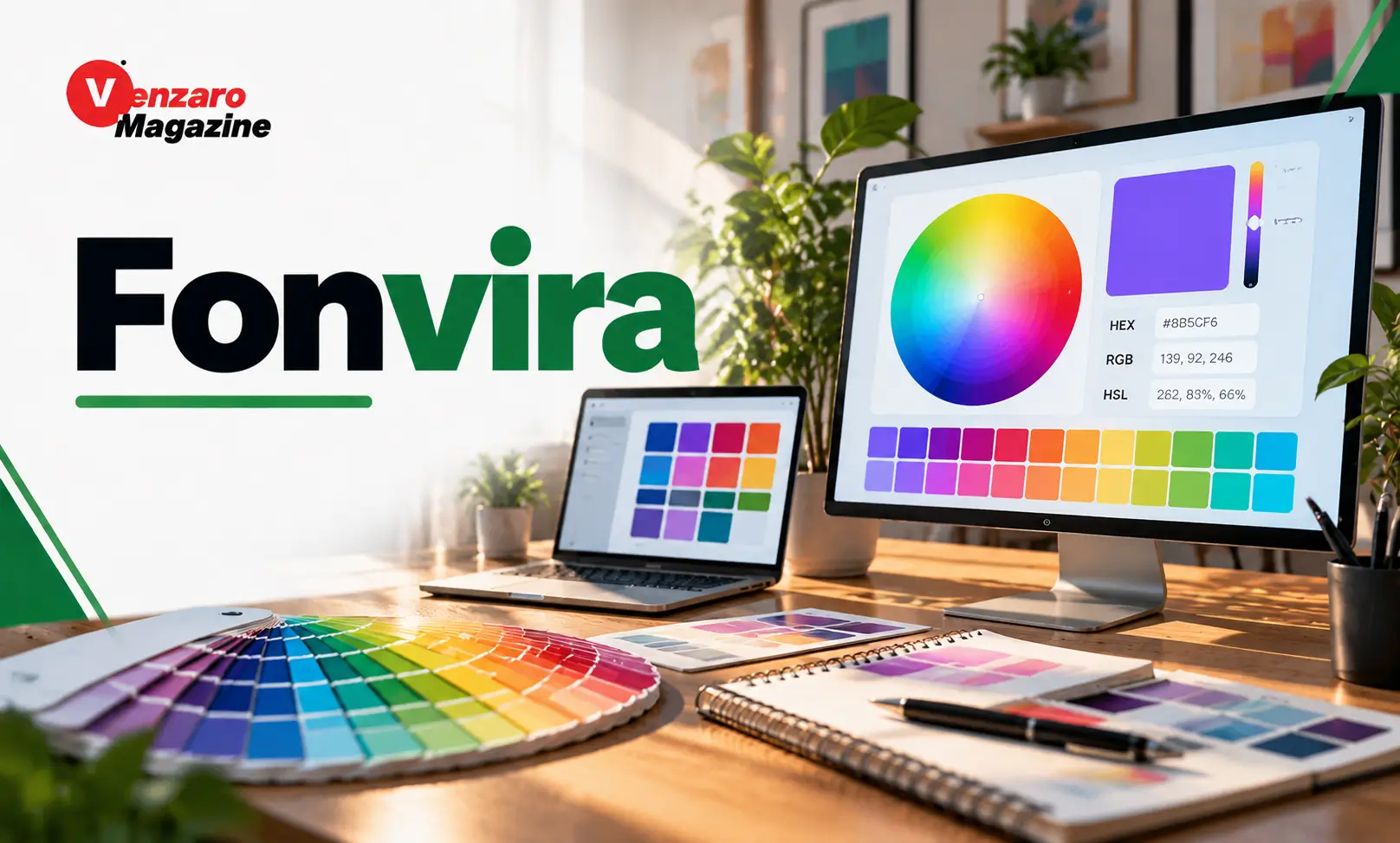
Fonvira is a free online color-selection tool designed to help users identify colors and obtain their corresponding HEX, RGB, and HSL values. The platform provides a simple way to select a color, preview its appearance, and copy the numerical information needed for website development, graphic design, and other digital projects. Instead of requiring users to install complicated software, Fonvira makes basic color selection accessible directly through a web browser.
Colors play an important role in digital experiences. They influence website appearance, brand recognition, visual communication, and the readability of online content. Designers and developers frequently need accurate color values when creating websites, applications, presentations, and marketing materials. Fonvira addresses this practical requirement through a straightforward interface that converts selected colors into commonly used digital formats.
Whether someone is learning web design, developing a website, creating graphics, or managing brand colors, understanding how Fonvira works can make everyday design tasks easier.
What Is Fonvira?
Fonvira is a browser-based color picker that allows users to select colors and instantly view their corresponding digital values. Its primary purpose is to simplify the process of identifying and converting colors between three commonly used formats: HEX, RGB, and HSL.
The platform is designed around simplicity. Users can select a color or enter an existing HEX value and immediately see the matching RGB and HSL representations. A live color preview makes it easier to understand the selected shade visually.
Fonvira also includes copying functionality, allowing users to transfer color values directly into their projects without manually rewriting codes.
One important characteristic is that the tool operates directly in the browser. Users do not need to create an account, purchase a subscription, or install a separate application to access its basic functionality.
Main Features of Fonvira
1. Online Color Picker
The color picker is the central feature of Fonvira.
It allows users to select a shade visually instead of searching through large collections of color codes. This can be helpful when someone has a particular color in mind but does not know its exact digital representation.
Once a color is selected, the platform displays its corresponding values.
This functionality is useful for web designers, graphic creators, students, and developers who regularly work with digital colors.
2. HEX Color Codes
HEX is one of the most widely used color formats in website development.
A HEX color code generally begins with a hash symbol followed by six hexadecimal characters. For example, #2563EB represents a particular shade of blue.
The code describes the intensity of red, green, and blue components used to produce the selected color.
Fonvira displays HEX values so users can easily copy them into CSS files, website builders, and compatible design applications.
This feature is particularly useful when maintaining consistent colors across different website pages.
3. RGB Color Conversion
RGB stands for Red, Green, and Blue. It represents colors through three numerical values, with each component generally ranging from 0 to 255.
For example, a blue shade can be represented as rgb(37, 99, 235).
Fonvira automatically provides the RGB equivalent of a selected color, eliminating the need for manual conversion.
RGB values are commonly used in programming, digital graphics, and applications that require numerical color information.
4. HSL Color Values
HSL stands for Hue, Saturation, and Lightness.
Unlike HEX and RGB, this format describes colors through their visual characteristics.
Hue represents the color itself, saturation describes its intensity, and lightness indicates how light or dark it appears.
HSL is especially useful when designers want to adjust an existing color without changing its overall identity.
For example, increasing lightness can produce a softer shade, while reducing saturation can create a more muted appearance.
Fonvira displays HSL values alongside HEX and RGB, giving users another convenient way to understand and work with colors.
5. Live Color Preview
The live preview allows users to see the selected color immediately.
This feature is important because numerical values alone do not always communicate how a particular shade will look.
A visual preview makes it easier to compare colors and decide whether a shade suits a specific design requirement.
Users can experiment with different selections and observe the results without repeatedly refreshing the website.
6. One-Click Copy Function
Fonvira includes copying controls for transferring displayed color values.
This small feature can save time during routine design work.
Instead of manually selecting and rewriting a HEX, RGB, or HSL value, users can copy the required format and paste it into a compatible application.
It is particularly useful for developers working with CSS and designers who need to maintain consistent colors across multiple files.
How Does Fonvira Work?
Using Fonvira is straightforward, even for someone with limited technical experience.
First, visit the Fonvira website through a browser. The color-selection interface allows you to choose a shade or enter an existing HEX value.
Once the color is selected, the platform displays its matching RGB and HSL values automatically.
The live preview helps you confirm the selected appearance. You can then use the available copy controls to transfer the required value into your project.
For example, a web developer creating a website may select a particular blue shade and copy its HEX code into a CSS stylesheet.
A graphic designer may prefer the RGB representation when working with digital illustrations.
Someone adjusting shades manually may find HSL more convenient.
The entire process takes place directly within the browser.
Who Should Use Fonvira?
Fonvira is suitable for several groups of people who work with digital colors.
Web developers: Developers can use HEX and RGB values when styling websites and applications.
Graphic designers: Designers can identify colors for illustrations, banners, presentations, and digital artwork.
Students: Beginners learning web development or graphic design can use the tool to understand different color formats.
Digital marketers: Marketing professionals can maintain consistent colors across digital advertisements and promotional materials.
Small-business owners: Business owners can identify and reuse brand colors across websites, social media graphics, and digital presentations.
Content creators: Bloggers and social media creators can use the tool when selecting colors for thumbnails, graphics, and other visual content.
Benefits of Using Fonvira
One of the biggest advantages of Fonvira is its simplicity. Users can access the color picker without learning complicated software or navigating extensive settings.
Another benefit is its support for three commonly used color formats. Having HEX, RGB, and HSL values together makes the platform useful across different creative and technical workflows.
The browser-based approach also removes the need for software installation. Users can access the tool whenever they have an internet connection and a compatible browser.
Fonvira is also presented as a free service without account registration, paywalls, or usage limits.
Privacy is another important consideration. The website states that color selections and entered values remain within the user’s browser rather than being transmitted to its servers.
These characteristics make Fonvira a convenient option for basic color-selection tasks.
Fonvira for Website Design and Branding
Color consistency is an important part of professional website design.
Businesses often establish specific color combinations for their logos, buttons, backgrounds, headings, and other visual elements.
Using consistent HEX values helps maintain the same appearance across different pages and digital materials.
For example, a company might select one primary color for its branding, a secondary shade for supporting elements, and neutral colors for backgrounds and text.
Fonvira can help users identify and record these values.
However, choosing attractive colors is only one part of successful branding. Designers should also consider audience preferences, visual hierarchy, accessibility, and readability.
Color Accessibility and Readability
A visually attractive color combination is not necessarily easy for everyone to read.
Text contrast is particularly important for website accessibility.
For normal-sized text, WCAG guidance generally recommends a minimum contrast ratio of 4.5:1 against the background. For large text, the minimum is 3:1.
This means designers should avoid combinations that make important information difficult to distinguish.
For example, light gray text placed over a white background may look subtle but can be difficult to read.
Fonvira helps users identify colors, but its basic color-selection functionality should not be confused with a dedicated accessibility-testing system.
Designers should separately evaluate contrast before publishing websites or applications.
Is Fonvira Free and Safe to Use?
Fonvira presents itself as a free online utility that does not require account registration or paid subscriptions.
Its terms also state that users can use the tool and its generated outputs for personal and commercial purposes.
The website describes its functionality as browser-based, meaning color values entered into the tool remain on the user’s device.
This approach can be convenient for people who prefer not to create accounts or upload ordinary design information to an external service.
However, users should still follow normal online safety practices and access the correct website.
The service is also provided without a guarantee of uninterrupted availability or error-free operation, so users should verify important color values within their final design environment.
Frequently Asked Questions About Fonvira
1. What is Fonvira used for?
Fonvira is an online color picker used to select colors and obtain their HEX, RGB, and HSL values. It is useful for website development, graphic design, branding, and other digital projects.
2. Is Fonvira free to use?
Yes. Fonvira is presented as a free tool without account registration, paid subscriptions, or usage limits.
3. Does Fonvira support HEX, RGB, and HSL?
Yes. The platform displays all three color formats for a selected shade, allowing users to copy the format required for their projects.
4. Does Fonvira store selected colors?
According to its privacy information, Fonvira processes color selections directly within the browser. The selected values are not transmitted to or stored on its servers.
5. Who can benefit from using Fonvira?
Web developers, graphic designers, students, digital marketers, content creators, and small-business owners can benefit from its straightforward color-selection and conversion functionality.
Closing Thoughts
Fonvira is a practical online utility for people who regularly work with digital colors. Its ability to provide HEX, RGB, and HSL values through a simple browser-based interface makes everyday color selection more convenient.
Read More: Content Marketing in USA by Twastia.io: Strategies, Benefits, and Business Growth