








Managing employee records through emails, paper forms and separate spreadsheets quickly becomes difficult once an organization grows. Attendance information may sit in one system, leave requests in another, payroll questions may go through HR manually, and employees may have no simple place to check their own records. HRMS Globex is a term currently associated online with a web-based human resource management environment designed to bring workplace information and employee services into a central portal. For most people searching the name, the immediate goal is not to study HR software theory but to access an employee account, recover a password, check an HR-related service or understand what the portal is supposed to do.
What Is HRMS Globex?
HRMS stands for Human Resource Management System. In general, this type of software helps organizations manage workforce information and common HR processes digitally instead of relying entirely on paper records, email chains and separate spreadsheets. The term HRMS Globex is currently associated in search results with an employee portal at hrms.theglobex.com, where authorized users can sign in with credentials provided by their organization. Publicly accessible information around the portal confirms the existence of employee login and password recovery, while the exact dashboard features available after login may depend on the user’s role and permissions.
There is also a separate website at hrmsglobex.com that describes Globex HRMS as an all-in-one HR platform covering employee information, payroll, attendance, leave, performance and recruitment. That website currently publishes its own contact details and product descriptions. However, the publicly available information does not clearly establish that hrmsglobex.com operates the employee portal at hrms.theglobex.com, so readers should avoid treating the two domains as automatically interchangeable.
Why People Search for HRMS Globex
Most branded HRMS searches are practical. Employees usually want to log in, check workplace information, recover access or find a particular HR service. Managers may be looking for performance or team-related functions, while HR staff may need access to employee records or administrative workflows. Search results around HRMS Globex reflect this pattern, with recent pages focusing heavily on login, password recovery, employee dashboards, attendance, payroll and leave-related information.
This makes the search intent different from a general query such as “best HR software.” Someone searching for a commercial HR platform may want pricing, comparisons and product demonstrations. Someone searching specifically for HRMS Globex is more likely to be trying to use a system that their employer has already provided.
HRMS Globex Login
The employee portal most consistently associated with this search term is hosted at hrms.theglobex.com. Recent sources identify a public login page where existing users enter their username and password to access the system. The portal appears to be intended for authorized users rather than open public registration, which means an ordinary visitor should not expect to create an employee account independently.
Employees should use the exact login link supplied by their employer, HR department or IT team whenever possible. This is safer than choosing a random result from a search engine because several websites now publish articles about HRMS Globex, and some unrelated pages use similar wording. Before entering workplace credentials, check the address bar carefully and make sure the domain matches the portal provided by the organization.
Do You Need to Create an HRMS Globex Account?
A workplace HRMS account is normally created or enabled through the employer rather than by the employee signing up independently. The public portal associated with HRMS Globex presents a login screen for existing users and does not appear to function like a normal consumer service with an open “create account” process.
If you have recently joined an organization and do not yet have access, contacting HR or IT is usually the correct first step. They can confirm whether your employee profile has been created, which username should be used and whether an initial password or activation procedure is required.
HRMS Globex Password Recovery
Recent descriptions of the public portal indicate that password recovery is available and that the recovery process may ask for an Employee Code.
This is useful because workplace passwords are easy to forget, particularly when employees use several internal systems. If the recovery process does not recognize the employee code, repeatedly guessing information is unlikely to help. The problem may be related to an incorrect code, inactive profile, changed employee record or employer-side account configuration. In that situation, HR or internal IT support should verify the account.
Avoid sending your password through email, chat messages or public support comments. Legitimate HR support normally does not need to know your current password to reset account access.
What Can an HRMS Portal Be Used For?
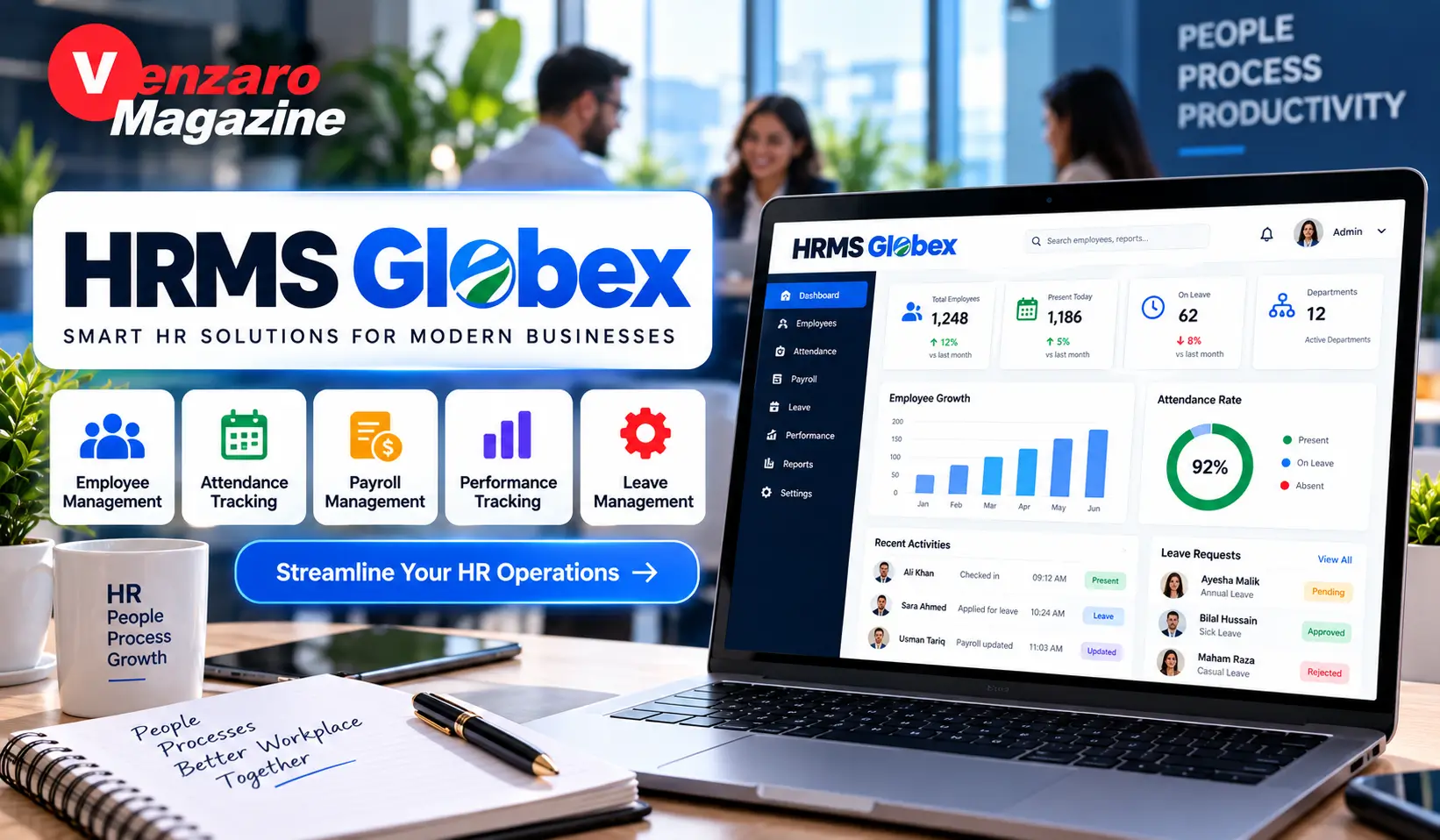
A Human Resource Management System typically centralizes information that employees and HR teams previously handled through separate processes. Common functions can include employee records, attendance, leave, payroll information, performance workflows, documents, recruitment and administrative requests. The separate hrmsglobex.com website lists employee statistics, payroll, attendance, leave, performance and recruitment among the functions it associates with Globex HRMS.
However, users should distinguish between broad HRMS capabilities and features that are definitely enabled for their individual account. A public visitor cannot see the full authenticated dashboard at hrms.theglobex.com, and different organizations or user roles may expose different modules. For that reason, it is safer to say that these functions are commonly associated with the platform rather than guarantee that every employee will see every feature.
Employee Records in HRMS Globex
One of the basic purposes of any HRMS is maintaining employee information in a central record. This can reduce the need for HR staff to search through separate files whenever a worker’s role, department, contact details or employment information needs to be checked. A centralized profile also makes it easier for organizations to maintain consistent records across HR processes.
Employees should still review visible profile information carefully. An outdated phone number, incorrect reporting manager, wrong department or incorrect job title can affect other workflows. If the portal allows profile editing, some fields may be changed directly, while controlled fields may require HR approval.
Attendance and HRMS Globex
Attendance management is commonly listed among HRMS Globex capabilities in current public descriptions.
A digital attendance system can help replace manual registers and separate spreadsheets by keeping attendance information connected to employee records. Depending on how an organization configures its system, attendance data may be connected with working hours, shift schedules, lateness, absence or payroll processes.
Employees should not assume that every attendance discrepancy can be corrected themselves. If a record shows the wrong status, the correct action is usually to report the specific date and issue rather than repeatedly editing unrelated information. Providing HR with the exact day, shift and problem makes investigation easier.
Leave Management Through an HRMS
Leave administration is another common reason organizations use HRMS software. Instead of sending informal messages to supervisors, employees may be able to submit leave through a structured workflow. The request can then move to a manager or HR team for approval, while the system maintains a record of the request and its status.
This reduces confusion because both the employee and the organization can refer to the same record. It can also make leave balances easier to monitor. Still, company policy remains more important than the software interface. A system may allow a request to be submitted, but that does not automatically mean it has been approved.
Employees should always check the final status of a request rather than assuming submission equals approval.
Payroll Information and Salary Records
Payroll is frequently mentioned in public descriptions of HRMS Globex and HRMS software generally.
A payroll-related employee portal may allow workers to view salary details, payslips or other compensation information, depending on employer configuration. This can reduce routine HR requests because employees may be able to retrieve documents without asking HR each month.
If a salary figure appears incorrect, employees should avoid changing unrelated personal information in an attempt to fix it. Payroll errors can result from attendance data, allowances, deductions, tax information or organization-specific rules. Reporting the exact pay period and disputed amount is usually the fastest route to a proper review.
Performance Management in HRMS Globex
Performance management is one of the more specifically documented functions associated with the Globex employee portal. Current search results reference performance workflows that may involve employee self-review, reporting-manager review, final review and appraisal-letter acceptance.
Performance systems are useful because appraisal processes can otherwise become scattered across emails, spreadsheets and paper documents. A structured workflow can show which stage has been completed and which person needs to act next.
Employees should read each field carefully before submitting a review. Once an appraisal step is finalized, changes may require manager or HR intervention depending on the system.
Why Different Employees May See Different Dashboards
Role-based access is common in workplace software. An employee may only need access to personal information, leave and documents, while a manager may need additional team-related functions. HR staff may require broader administrative permissions. This means screenshots found online should not be treated as a guarantee of what every account will display.
Several recent HRMS Globex guides also note that available services may differ according to user role and permissions.
If a colleague has a menu or feature that you cannot see, the difference may be intentional rather than a technical error. The first question should be whether your job role is supposed to have access to that function.
HRMS Globex Login Not Working
Login failures can happen for simple reasons. Before assuming the entire HRMS is unavailable, check the username carefully, verify that Caps Lock is not active and make sure the browser did not automatically enter credentials for a different account. If the organization recently changed passwords or employee codes, an older saved password may also be causing the issue.
Trying the portal in a private browsing window can help identify problems caused by stored browser sessions. Clearing site-specific cookies may also help if the login page repeatedly returns to an old session. However, employees should avoid making major browser or device changes if the problem appears to affect multiple colleagues at the same time, because that may indicate a portal-side outage.
Incorrect Username or Employee Code
Workplace systems may use an employee number, username or organization-specific identifier rather than a personal email address. Do not assume which format is required based solely on another company’s HRMS.
Use the credentials supplied by your employer. If the password recovery page accepts an Employee Code but rejects yours, verify the code through HR before making repeated attempts. Multiple failed attempts can sometimes trigger additional account restrictions.
What to Do if Your Account Is Locked
A locked employee account usually requires support from the organization because account permissions are controlled internally. If self-service recovery does not resolve the issue, contact HR or IT using the company’s verified support channel.
When reporting the problem, provide useful information without sharing the password. Mention your employee identifier, the approximate time of the failed login and any error message displayed. A screenshot can also help if it does not contain sensitive personal information.
HRMS Globex on Mobile Devices
A web-based HR portal may be accessible through a phone browser, but mobile usability depends on how the portal has been designed. Some workplace systems work well on smaller screens, while others are easier to use from a laptop or desktop, particularly for long forms or performance reviews.
Users should be cautious about saving workplace passwords on shared phones or devices. If the device belongs to someone else or is shared within a family, sign out completely after using the HR portal and avoid enabling automatic password storage without considering the security implications.
Is There an HRMS Globex App?
Search results sometimes use phrases such as “HRMS Globex app,” but users should verify any claimed mobile application through their employer or an official app-store link before installing it. The clearest publicly verifiable element associated with HRMS Globex is the web-based employee portal.
This distinction matters because search results can contain unofficial APK downloads, lookalike apps or third-party pages using well-known product names. Workplace credentials should never be entered into an app simply because its title contains “HRMS Globex.”
HRMS Globex and Employee Self-Service
Employee self-service is one of the major advantages of HR systems in general. Instead of contacting HR for every routine question, employees may be able to find information directly through their portal. This can reduce administrative workload while giving workers faster access to their records.
The value of self-service depends on accuracy. If employee records are outdated or workflows are not configured correctly, a portal can create confusion rather than solve it. HR teams therefore need to maintain the underlying data, while employees should report inconsistencies when they notice them.
Manager Access and Approvals
Managers often require additional HRMS functions because they may need to review leave requests, complete performance assessments or handle team-related actions. Role-based access keeps these functions separate from ordinary employee accounts.
This is important for privacy as well as convenience. Employees should only see information relevant to their own account or authorized role. A well-managed HR system should avoid exposing unnecessary workforce data to users who do not need it.
HRMS Security Matters More Than Convenience
Human resource systems contain sensitive workplace information. Employee profiles can include names, contact details, employment records, salary information, attendance data and internal documents. This makes login security especially important.
Employees should use unique passwords, avoid sharing credentials and confirm the URL before signing in. Public computers should generally be avoided for sensitive workplace portals. If a shared device must be used, do not save the password and sign out fully when finished.
A familiar logo is not enough to prove that a login page is legitimate. The domain should match the one provided by the employer.
Be Careful With Similar HRMS Globex Websites
This is one of the most important points around the keyword.
Search results currently show a portal associated with hrms.theglobex.com, while a separate site at hrmsglobex.com markets an HRMS product and publishes its own description and contact information. Public evidence does not clearly establish that these domains represent the same service.
For employees, the safest approach is simple: use the login address supplied directly by your organization. Do not move from one similarly named website to another and enter credentials because the branding appears familiar.
Can Any Business Sign Up for HRMS Globex?
This is another area where search results are inconsistent. Some pages describe HRMS Globex like a commercial SaaS platform, while others describe it as a private employer-configured portal.
The employee portal associated with hrms.theglobex.com does not publicly present itself like a normal SaaS purchase page with public plans or open registration. Meanwhile, hrmsglobex.com describes an HR software offering more broadly. Because the public connection between these properties is unclear, businesses interested in buying HR software should verify the actual vendor, legal entity, support terms, product demonstration and data-protection arrangements before making a purchasing decision.
What Businesses Should Check Before Choosing Any HRMS
An HRMS contains some of the most sensitive information inside an organization, so feature lists should not be the only consideration. Businesses should investigate security, data ownership, backups, permissions, support availability, compliance requirements and integration capabilities.
Payroll compatibility is particularly important. A system can have an attractive dashboard and still create extra work if it does not fit the company’s payroll process. The same applies to attendance devices, accounting systems and identity management.
A useful HRMS should reduce administrative work rather than create another disconnected system.
HRMS Globex Versus Manual HR Processes
Manual HR processes can work for a very small organization, but complexity grows quickly. A spreadsheet may initially seem sufficient for attendance, another spreadsheet for leave and a folder for employee documents. Over time, duplicate records appear, access becomes harder to control and reporting requires more manual effort.
A centralized HRMS attempts to reduce this fragmentation. The benefit is not simply that information becomes digital. The larger advantage is that related HR activities can follow structured workflows and use consistent employee records.
This is why organizations adopt HRMS platforms even when they already use spreadsheets.
Keep Employee Information Accurate
An HR system is only as useful as the data inside it. An incorrect department, reporting manager, bank record or contact number can cause problems elsewhere in the workflow.
Employees should periodically review the personal information available to them. HR teams should also establish a clear process for correcting controlled fields. Giving every employee permission to change all records creates risk, while preventing employees from reporting corrections creates outdated data.
The best setup balances self-service with appropriate controls.
HRMS Globex for New Employees
New employees should receive login information as part of a structured onboarding process. This may include the portal address, employee code, initial credentials and basic instructions for accessing relevant services.
If this information has not been provided, the employee should ask HR rather than searching randomly for a portal and attempting to create an account.
During the first login, review the visible profile, reporting structure and any required onboarding documents. Identifying errors early prevents them from affecting later HR processes.
HRMS Globex for Former Employees
Access rules for former employees depend on the organization. Some companies disable HRMS accounts immediately after employment ends, while others may provide limited access for documents such as final payslips or tax records.
Former employees who need a document should contact the previous employer’s HR team instead of assuming an old account will remain active permanently.
It is also sensible to download permitted personal employment documents before access expires when company policy allows it.
Should Employees Bookmark the Portal?
Yes, once the correct employer-provided URL has been verified, bookmarking it can reduce future confusion. This prevents employees from searching the brand name every time and accidentally selecting a third-party article or similarly named website.
A bookmark should point directly to the verified portal rather than to a search-results page.
This small habit is particularly useful for workplace systems because login-related keywords often attract many unofficial guides.
How to Spot an HRMS Login Page That Deserves Extra Caution
Be cautious when a page uses a slightly altered domain, asks for information that the normal workplace portal never requests or arrives through an unexpected message. An HRMS login should not suddenly ask for banking passwords, personal email passwords or unrelated verification information.
Employees should also be cautious with links sent through unknown messaging accounts, especially when the message creates urgency around payroll or account suspension.
When uncertain, open the portal through the company’s normal internal resources rather than the link in the message.
HRMS Globex FAQs
What is HRMS Globex?
HRMS Globex is a term associated online with human resource management services and an employee portal at hrms.theglobex.com. The publicly visible portal is intended for existing authorized users rather than open public registration.
What does HRMS stand for?
HRMS stands for Human Resource Management System. It refers to software used to organize employee information and HR-related processes digitally.
What is the HRMS Globex login portal?
Recent sources consistently identify hrms.theglobex.com as the employee portal associated with HRMS Globex. Employees should still use the exact URL supplied by their employer rather than relying only on a search result.
Can I register for HRMS Globex myself?
The publicly visible employee portal appears to be for existing authorized users rather than public self-registration. Account creation normally needs to be handled through an employer or HR administrator.
How can I reset my HRMS Globex password?
Recent descriptions of the portal report a password-recovery process that uses an Employee Code. If recovery fails, employees should contact their employer’s HR or IT support.
Does HRMS Globex manage payroll?
Payroll is listed among the functions associated with Globex HRMS on the separate hrmsglobex.com website and across current third-party descriptions. However, the exact payroll options visible to an employee depend on the actual portal and employer configuration.
Does HRMS Globex support attendance and leave?
Attendance and leave are commonly listed among the HR functions associated with HRMS Globex. The exact workflow may differ according to the user’s organization and permissions.
Is HRMSGlobex.com the same as hrms.theglobex.com?
The public relationship is not clearly established. hrmsglobex.com describes an HRMS product, while hrms.theglobex.com is commonly identified as an employee login portal. They should not automatically be treated as the same service without stronger verification.
Is there an HRMS Globex mobile app?
The web portal is the clearest publicly verifiable access point. Employees should verify any claimed mobile app with their employer before installing it or entering workplace credentials.
What should I do when HRMS Globex is not working?
Check the URL and credentials first, then try a clean browser session. If the problem continues or affects the employee account itself, contact the employer’s HR or IT team rather than using an unofficial password-reset service.
Final Thoughts
HRMS Globex is most useful to understand as an employee-focused HR environment rather than simply another generic software name. Current search evidence most consistently points toward a web-based employee portal associated with hrms.theglobex.com, while a separate hrmsglobex.com website describes a broader HR software offering. Because the relationship between those domains is not clearly documented in public information, users should be careful about treating every HRMS Globex page as part of the same system.
For employees, the practical rule is straightforward. Use the login address provided by your organization, protect your credentials, use official password recovery when necessary and contact HR or IT when account permissions or records need correction. For businesses evaluating an HR platform, verify the vendor and product directly rather than relying on repeated feature lists from third-party articles.
A useful HRMS should make routine workplace administration easier, but the real value comes from accurate employee data, sensible permissions, reliable workflows and secure access. Those details matter far more than how many features appear in a marketing list.
Also Read: Tech Hacks PBLinuxGaming: Practical Ways to Improve Linux Gaming